
Streamlining Support: How Internal Knowledge Base Apps Reduce Repeated Questions
Discover how internal knowledge base apps alleviate repetitive inquiries, enhancing support efficiency and team collaboration.
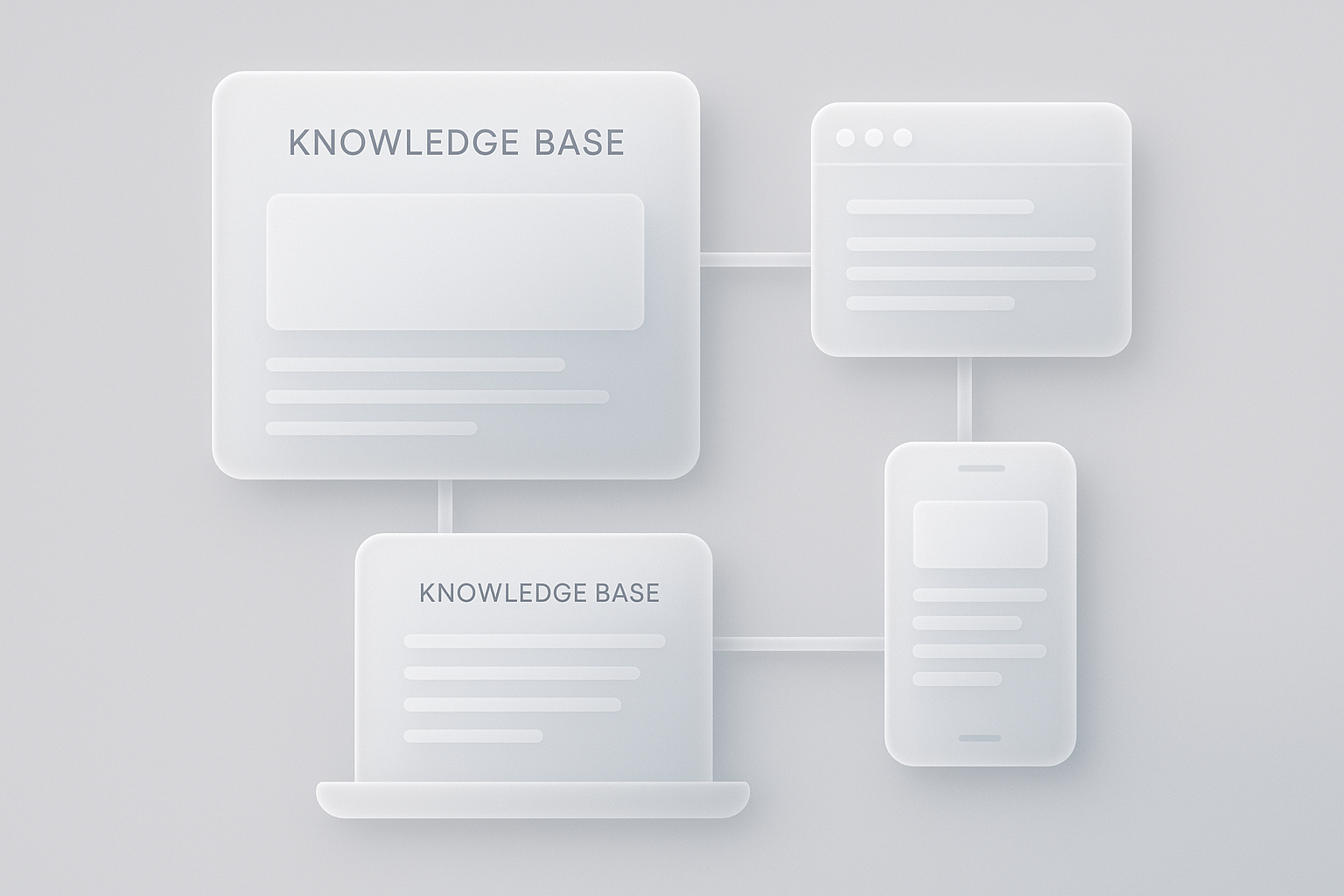
In today's fast-paced digital environment, organizations constantly seek ways to enhance efficiency and improve customer support. One effective solution is the implementation of internal knowledge base applications. These tools not only streamline information sharing but also significantly reduce the frequency of repeated questions from both customers and team members. In this article, we will explore how internal knowledge base apps accomplish this and examine specific tools that can facilitate this transition.
Understanding the Need for Knowledge Base Apps
As businesses grow, the volume of inquiries they receive often increases exponentially. Repetitive questions consume valuable resources and hinder productivity. Internal knowledge bases serve as centralized repositories where both support staff and customers can access essential information quickly and efficiently. This reduces the time spent on answering the same questions repeatedly, allowing teams to focus on more complex issues.
Benefits of Implementing a Knowledge Base
- Time Savings: By providing immediate access to information, knowledge bases save time for both support agents and users.
- Consistency: A centralized knowledge base ensures that all users receive consistent and accurate information, reducing the chances of miscommunication.
- Empowerment: When users can find answers independently, they feel more empowered and engaged, leading to improved satisfaction.
- Scalability: As your organization grows, a knowledge base can expand to accommodate new information without the need for significant additional resources.
How Internal Knowledge Base Apps Reduce Repeated Questions
Centralized Information Hub
Internal knowledge bases like Notion and Confluence create a single source of truth for all relevant information. When team members can easily access documentation, FAQs, and troubleshooting guides, they are less likely to ask repeated questions.
Self-Service Capabilities
Tools such as Helpjuice and Zendesk Guide allow users to self-serve their inquiries. By providing a clear and structured knowledge base, these platforms empower users to find solutions independently, resulting in fewer support requests.
Integration with Other Tools
Integrating knowledge base tools with platforms like Slack or Microsoft Teams enhances communication and makes it easier for team members to access information without navigating away from their primary workflow. For instance, using Zapier, you can automate notifications for new articles added to the knowledge base, keeping your team informed and engaged.
Continuous Improvement through Analytics
Many knowledge base apps come equipped with analytics features that allow organizations to track which articles are accessed most frequently. This data helps identify common pain points and informs future content creation. Tools like Document360 provide insights into user behavior, helping refine the knowledge base to meet user needs more effectively.
Real-World Examples of Effective Knowledge Base Tools
Here are a few noteworthy tools that exemplify how knowledge base applications can transform support processes:
- Help Scout: This customer service platform includes a built-in knowledge base that allows users to create articles directly related to support tickets, reducing repeated inquiries.
- Guru: Guru's Chrome extension allows team members to access information seamlessly while working in various applications, minimizing interruptions and enhancing productivity.
- TiddlyWiki: For those looking for a customizable, open-source option, TiddlyWiki offers a unique approach to creating a personal or organizational knowledge base.
Best Practices for Creating an Effective Knowledge Base
To maximize the efficiency of your internal knowledge base app, consider the following best practices:
- Organize Content Logically: Use categories and tags to structure articles so users can easily navigate the content.
- Keep Information Up-to-Date: Regularly review and update articles to ensure accuracy.
- Encourage Team Input: Involve team members in content creation to foster a sense of ownership and increase the knowledge base's relevance.
- Utilize Multimedia: Incorporate videos, screenshots, and diagrams to enhance understanding and cater to different learning styles.
Conclusion: The Path Forward
Internal knowledge base apps play a crucial role in reducing repeated questions, improving overall efficiency, and fostering a culture of self-service and empowerment. By leveraging tools like Notion, Helpjuice, and others, organizations can not only enhance support functions but also create a more knowledgeable and engaged team.
Implementing a well-structured knowledge base is not just a matter of convenience; it is a strategic move towards operational excellence. As businesses continue to evolve, adapting to the needs of your team and customers through effective knowledge management will be key to success.
Inspired by this post?
We'll suggest features tailored to this post.